
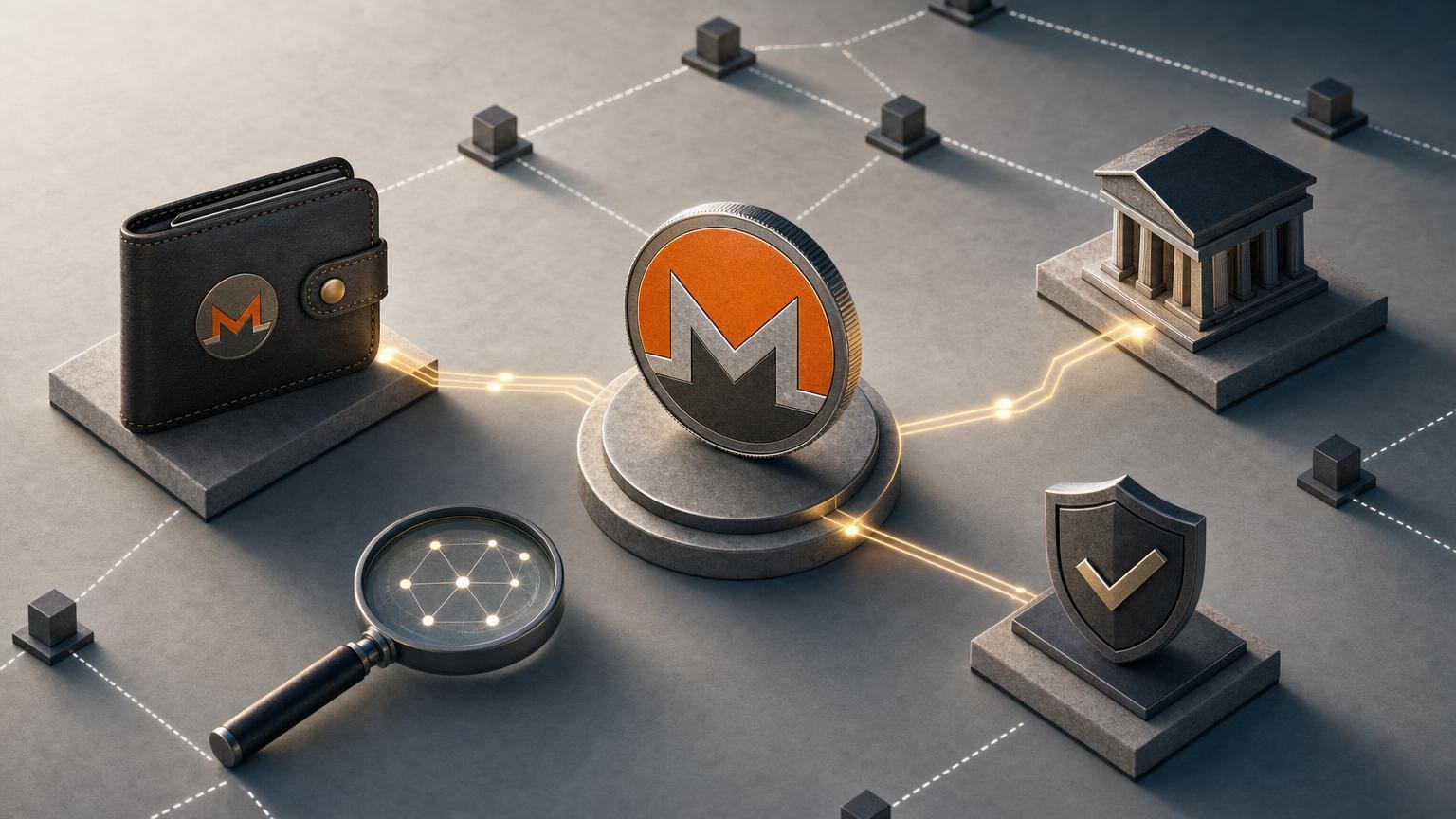
A Monero address must be verified in context, not judged by appearance alone. Before exchanging XMR, confirm that the address belongs to the current order, that the selected transfer method is the native Monero network, and that any payment identifier shown by the exchange is handled exactly as instructed. Repeat the comparison immediately before approving the transaction because clipboard malware, an expired order, or a changed quote can invalidate an earlier check.
This pre-operation review reduces avoidable mistakes, but it cannot guarantee that an exchange, wallet, device, or transaction is risk-free. Monero transactions become irreversible after confirmation, so an incorrect destination generally cannot be corrected through a blockchain reversal. [1]
Express check: stop signals before you send XMR
Do not proceed if any of these conditions applies:
- The website domain is unfamiliar or reached through an unsolicited message. Close the page and return through a trusted bookmark or a domain you independently verified.
- The order does not explicitly identify XMR or the Monero network. A similar ticker, a wrapped asset, or another network is not interchangeable with native XMR.
- The deposit address changed without a clear order update. Treat any unexplained replacement as possible clipboard manipulation, phishing, or an expired request.
- The address is rejected by current Monero wallet software. A visual match cannot replace checksum and format validation.
- The exchange requests a seed phrase, private spend key, or private view key to process a normal transfer. Do not disclose wallet secrets or enter them on an exchange page.
- The order page and confirmation screen show different amounts, assets, recipient details, or expected payout. Stop before authorization and clarify which data is valid.
- A person promises guaranteed returns or asks you to send XMR to “activate,” “verify,” or “unlock” an exchange. A routine exchange does not make an investment outcome certain.
Two-pass pre-operation verification card
Use the first pass while preparing the exchange. Use the second pass only when the wallet displays its final confirmation screen. Each line answers three questions: what to compare, where to obtain independent confirmation, and what a discrepancy means.
Pass one: verify the operation context
| Check | What to verify | Independent confirmation | If the details differ |
|---|---|---|---|
| Domain and order source | Confirm that the exchange page uses the intended domain and that the XMR address came from the active order rather than an advertisement, email, messenger account, or copied search result. | Compare the domain with a previously saved trusted record. Open order details from the service interface instead of following a second message containing a replacement address. | A domain variation or address supplied outside the order is a stop signal. It may indicate phishing or impersonation. |
| Exchange direction | Check which asset you are sending and which asset you expect to receive. The order must state that the outgoing asset is XMR if you are about to transfer Monero. | Compare the order summary with the labels in your sending and receiving wallets. | A reversed direction can produce the wrong deposit instructions. Do not assume that changing the amount will correct it; create or clarify the proper order. |
| Asset and current availability | Verify that XMR and the requested destination asset or direction are currently available. Support for individual assets does not mean that every possible pair, network, or direction is active. | Use the current order interface and the terms displayed before creating the transaction. | If the required pair is absent or disabled, do not substitute another asset or network unless you intentionally create a separate supported operation. |
| Network | The withdrawal or sending screen should identify the native Monero network for an XMR transfer. Do not interpret another chain carrying a represented or wrapped token as equivalent. | Compare the exchange deposit instruction with the network label in the sending wallet or platform. | If one side says Monero and the other displays a different blockchain, stop. Cross-network transfers may not be credited and may be unrecoverable. |
| Address type and validity | Paste or scan the complete address into maintained Monero-compatible wallet software and let the wallet validate it. Standard addresses, subaddresses, and integrated addresses are recognized Monero address types; subaddresses are generally recommended for receiving. [2] | Obtain the address directly from the active order and compare it with the value parsed by the wallet. Monero addresses contain a checksum that compatible software should verify. [3] | A failed checksum or unsupported format means the string may be incomplete, altered, for another network, or incompatible with the selected sender. Do not manually “repair” it. |
| Payment ID, Memo, or Tag | Follow the active order exactly. Some workflows may use an integrated Monero address containing a compact payment ID, while other orders may require no separate identifier. A standard Memo or Tag convention from another cryptocurrency should not be assumed to apply to XMR. [4] | Compare the exchange’s order-specific instruction with the fields actually offered by your Monero wallet. | If the service shows a separate required identifier that the wallet cannot accept, or the wallet requests a field absent from the order, pause and ask for clarification before sending. |
| Amount and quote conditions | Check the XMR amount to send, the estimated or stated amount to receive, applicable charges shown for this order, and whether the quote is fixed, variable, or subject to another stated condition. | Compare the order summary with the wallet’s final amount field. Treat changing market values as dynamic rather than guaranteed. | An unexpected amount may reflect a mistyped decimal, changed terms, network cost, or an expired quote. Recalculate and refresh the order instead of guessing. |
| Compliance requirements | Review any verification or information requirements displayed for the selected direction before transferring funds. Requirements can depend on the transaction route and the result of compliance checks. | Use the current terms and prompts attached to the order, not an old screenshot or another user’s description. | If the conditions are unclear or have changed, request clarification before funding the order. Do not attempt to bypass verification, sanctions controls, geographic restrictions, or applicable law. |
Pass two: repeat critical checks at the irreversible step
| Final field | What to verify | Independent confirmation | If the details differ |
|---|---|---|---|
| Destination address | Compare the entire address shown by the wallet with the address in the active order. Checking only the first and last characters is useful as a quick alert, but it is not a complete comparison. | Use two representations where practical: the order’s text and QR code, or the order page and a separately displayed wallet confirmation. After scanning a QR code, still inspect the decoded address. | Any unexplained character difference requires cancellation. Recopy the address and check the device for clipboard replacement or malicious browser extensions. |
| Address ownership context | Confirm that this address is tied to the same order identifier, exchange direction, and session you reviewed in pass one. | Return to the order details from the verified service interface rather than using browser history from an unknown page or a forwarded message. | A valid Monero address can still belong to the wrong order or recipient. Technical validity alone does not establish ownership. |
| Payment identifier | If the order requires an integrated address or another order-specific identifier, confirm that the wallet’s final screen preserves it correctly. If the order says no separate identifier is needed, do not invent one. | Compare the wallet’s parsed destination with the current deposit instructions. | A missing or contradictory identifier can prevent automatic matching of the deposit. Cancel and clarify the required format. |
| Amount sent | Read the full XMR amount, decimal placement, and wallet-displayed network fee before approval. Distinguish the amount delivered to the destination from the total deducted by the wallet. | Compare the wallet confirmation with the funded amount requested on the order page. | If the transfer amount is outside the order’s displayed conditions or differs from your intention, do not approve it. |
| Expected receipt | Recheck the asset, destination network, receiving address, and current estimated or stated payout shown for the exchange. | Compare these fields with your receiving wallet and the latest order summary. | A changed destination, network, asset, or unacceptable payout requires a new review. Do not rely on an earlier screen. |
| Wallet and device state | Confirm that the wallet is synchronized, the intended account is selected, and no remote-support operator is controlling the device. | Use the wallet’s own status display and, when available, a hardware wallet screen as the final source for address and amount approval. | An unsynchronized wallet may show incomplete status information. Unrequested remote access or pressure to approve immediately is a reason to stop. |
After completing both passes without an unresolved discrepancy, one possible next step is to check the current XMR exchange conditions. Availability, pair support, verification requirements, and order terms should still be reviewed immediately before creating or funding a request.
Classify the result without treating it as a safety guarantee
- Continue the verification: the domain, order direction, native Monero network, address, identifier requirements, amount, and destination details agree across the active order and wallet. You may move to the final confirmation review, but risk remains.
- Clarification required: the address passes wallet validation, but the payment ID instructions, quote status, compliance conditions, pair availability, or expected payout are unclear. Do not send until the uncertainty is resolved through the verified service interface.
- Stop: the domain is suspicious, the network differs, the complete address does not match, wallet validation fails, a secret phrase is requested, or the final confirmation contains unexplained changes. Cancel the transaction rather than testing the address with funds.
Control route before, during, and after the exchange
Before broadcasting the XMR transaction
- Create the order only after checking the domain and current exchange direction.
- Record the non-secret order identifier and the original order terms needed to resolve a dispute.
- Complete both passes of the verification card.
- Read the address and amount on the wallet’s final confirmation screen. If a hardware wallet is used, prioritize what its trusted display shows over browser text.
- Approve only when no required field remains ambiguous.
While the transaction is pending
Keep the order page available and note the wallet status and txid after broadcast. A Monero transaction identifier can help locate the transaction and monitor its confirmation state, but Monero’s privacy design means a public blockchain view does not expose the recipient address and amount in the same way as a transparent ledger. Proof that a particular payment reached an address may require wallet-generated transaction proof data rather than the txid alone. [5]
Do not send a duplicate payment merely because the exchange has not updated immediately. First determine whether the original transaction is still pending, confirmed, failed, or absent from the wallet history.
After confirmation
Compare the final exchange result with the order record: received asset, receiving network, credited amount, and completion status. Market movement, disclosed costs, or order conditions may affect the final result where the quote was not fixed. A confirmed XMR transfer proves that the network accepted the transaction; it does not by itself prove that the exchange credited the correct order.
If the status is delayed, the amount differs, or order data changes
Use diagnosis rather than immediately sending more funds:
- Check the sending wallet. Determine whether the transfer is pending, confirmed, failed, or not broadcast. Confirm that the wallet is synchronized.
- Match the txid to the order. Compare the stored order identifier, XMR amount, time of broadcast, and txid. Do not publish wallet secrets while doing so.
- Review the original instructions. Look for an address mismatch, an omitted required identifier, a different network, a quote condition, or an amount outside the displayed order parameters.
- Preserve evidence of the discrepancy. Save the relevant order status, non-secret transaction metadata, and messages received through the verified support channel.
- Contact support from the verified domain. Provide only the information needed to locate the order, such as the order identifier and txid. A tx key or transaction proof should be disclosed only when its purpose and recipient are understood; it can reveal payment details to the party checking the proof. [6]
- Do not assume recovery is possible. An incorrect network, address, or destination may make funds inaccessible, and blockchain confirmation cannot be reversed by the sender.
If the order address changes after funds were sent, do not send again to the replacement address until the first payment has been investigated. If the amount received differs, compare the order’s actual terms and the wallet’s sent amount before attributing the difference to price movement or charges.
Threats directly relevant to Monero address verification
Phishing and impersonated exchange pages
A phishing page can display a technically valid Monero address controlled by an attacker. Address validation will accept it because the format and checksum may be correct. The defense is contextual: verify the domain, open the active order independently, and reject deposit instructions delivered through unsolicited email, social media, or direct messages.
Clipboard and QR-code address replacement
Malware can replace a copied address, while a fraudulent QR code can encode a different valid destination. Compare the complete decoded value with the active order immediately before approval. If the pasted address changes between attempts, stop using that device for the transaction until it has been examined.
Wrong network or represented XMR
An address labeled for another blockchain should not be used for a native Monero transfer. Ticker similarity does not create network compatibility. Both the exchange instruction and sending platform must explicitly agree on XMR over the Monero network.
Seed phrase or private-key exposure
A seed phrase controls wallet recovery and must not be entered into an exchange order, support chat, address validator, or blockchain explorer. The same caution applies to private spend keys. If a seed phrase has been exposed, address checking alone does not secure the wallet because an attacker may already be able to move its funds.
Guaranteed-profit claims attached to an exchange
Address verification confirms data consistency; it cannot validate a promise of profit. Requests to transfer XMR for guaranteed yield, automatic arbitrage, account unlocking, or a risk-free return should be treated as a separate fraud warning, even when the supplied address is structurally valid.
Minimal record to keep after the operation
Store only the non-secret data needed to trace the exchange:
- order or request identifier;
- txid and transaction status;
- assets and networks selected;
- amount sent and the result shown by the order;
- relevant timestamps and the final status;
- copies of order-specific instructions or support correspondence needed to document a discrepancy.
Do not store a seed phrase, private spend key, wallet password, authentication code, or unnecessary personal information beside the order record. A concise record supports diagnosis without turning an exchange receipt into a collection of credentials that could compromise the wallet.